




A strong portfolio is key for showcasing your skills. It helps you stand out in the job market. Here’s how to create one step by step.
1. Start with Basics
- Add your name, contact details, and a short bio.
- Write about your career goals in a simple way.
2. Highlight Your Skills
- List technical skills like programming languages, tools, or software you know.
- Mention soft skills like teamwork or problem-solving.
3. Showcase Your Projects
- Include details of your academic and personal projects.
- Add links to projects hosted online (e.g., GitHub, CodePen).
- Explain your role in the project and the technologies used.
4. Share Certificates and Achievements
- Add certifications from online courses (e.g., Coursera, Udemy).
- List awards, internships, or hackathon participation.
5. Create a Clean Design
- Use free templates from platforms like Canva or Behance.
- Make it easy to read and visually appealing.
6. Add a Blog or Articles
- Write about topics related to your field (e.g., coding tips).
- Show your interest in sharing knowledge.
7. Include a Resume Link
- Attach a link to your detailed resume.
- Make sure it is updated and professional.
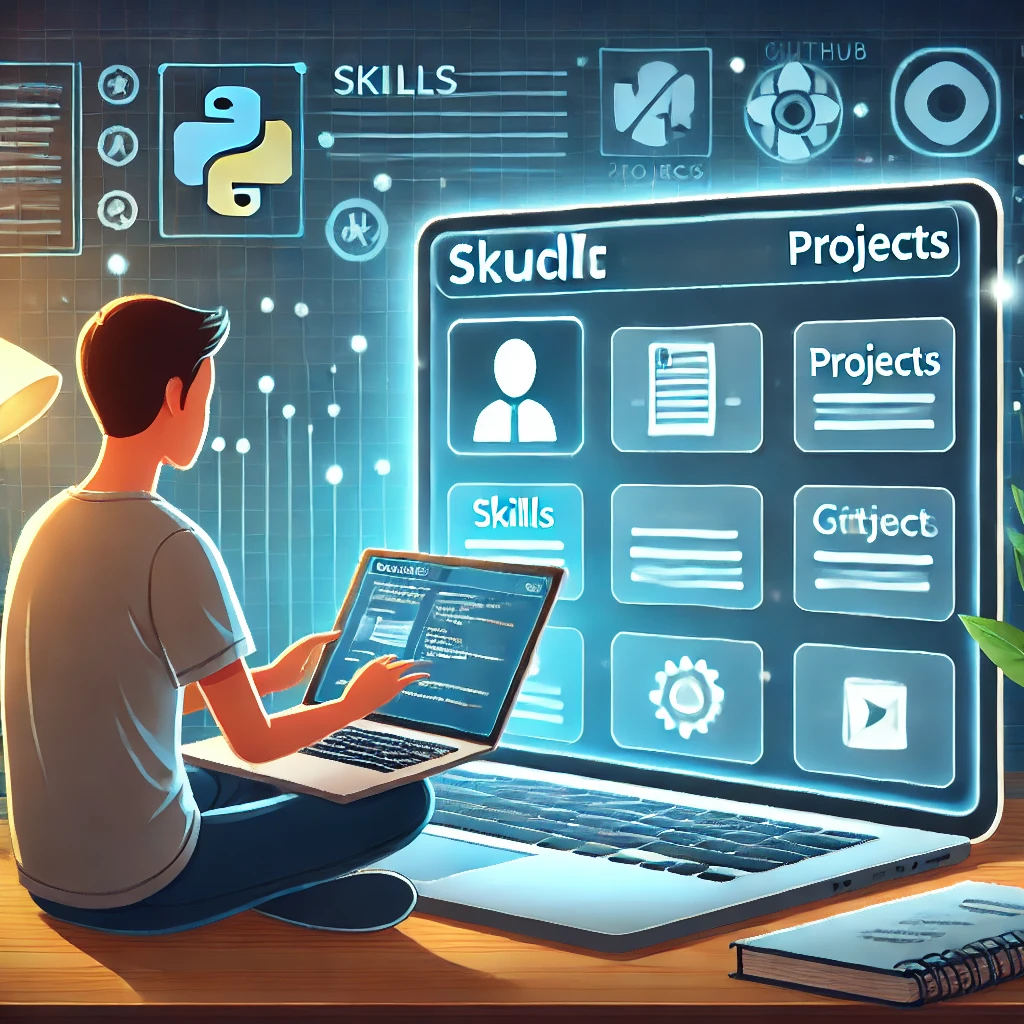
8. Host Your Portfolio Online
- Use platforms like GitHub Pages, Wix, or WordPress.
- Share the link in your email signature and LinkedIn profile.
9. Update Regularly
- Add new projects, skills, and achievements.
- Keep your portfolio fresh and relevant.
10. Add a Personal Branding Statement
- Write a one-line statement that describes you as a professional.
Example: “Aspiring software developer with a passion for AI and web development.”
11. Include Problem-Solving Examples
- Describe how you solved a challenging problem in your projects.
- Highlight the tools or techniques you used.
12. Include Screenshots and Demos
- Add screenshots of your projects for better understanding.
- Create demo videos or live links to showcase functionality.
13. Showcase Team Projects
- Include group projects where you collaborated with others.
- Mention your specific contribution to the team effort.
14. Highlight Open-Source Contributions
- If you’ve contributed to open-source projects, showcase them.
- Add a link to your GitHub profile.
15. Use Testimonials or Recommendations
- Include feedback from professors, mentors, or project teammates.
- Add a “Testimonials” section if possible.
Read Our Latest Blog
How to Prepare for Your BCA Final Year Project
Phone Number: +91-7488456170
Email ID: abhishek@eepl.me
Our Platforms:
Digilearn Cloud
EEPL Test
Live Emancipation
Follow Us on Social Media:
Instagram – EEPL Classroom
Facebook – EEPL Classroom
Stay connected and keep learning with EEPL Classroom



